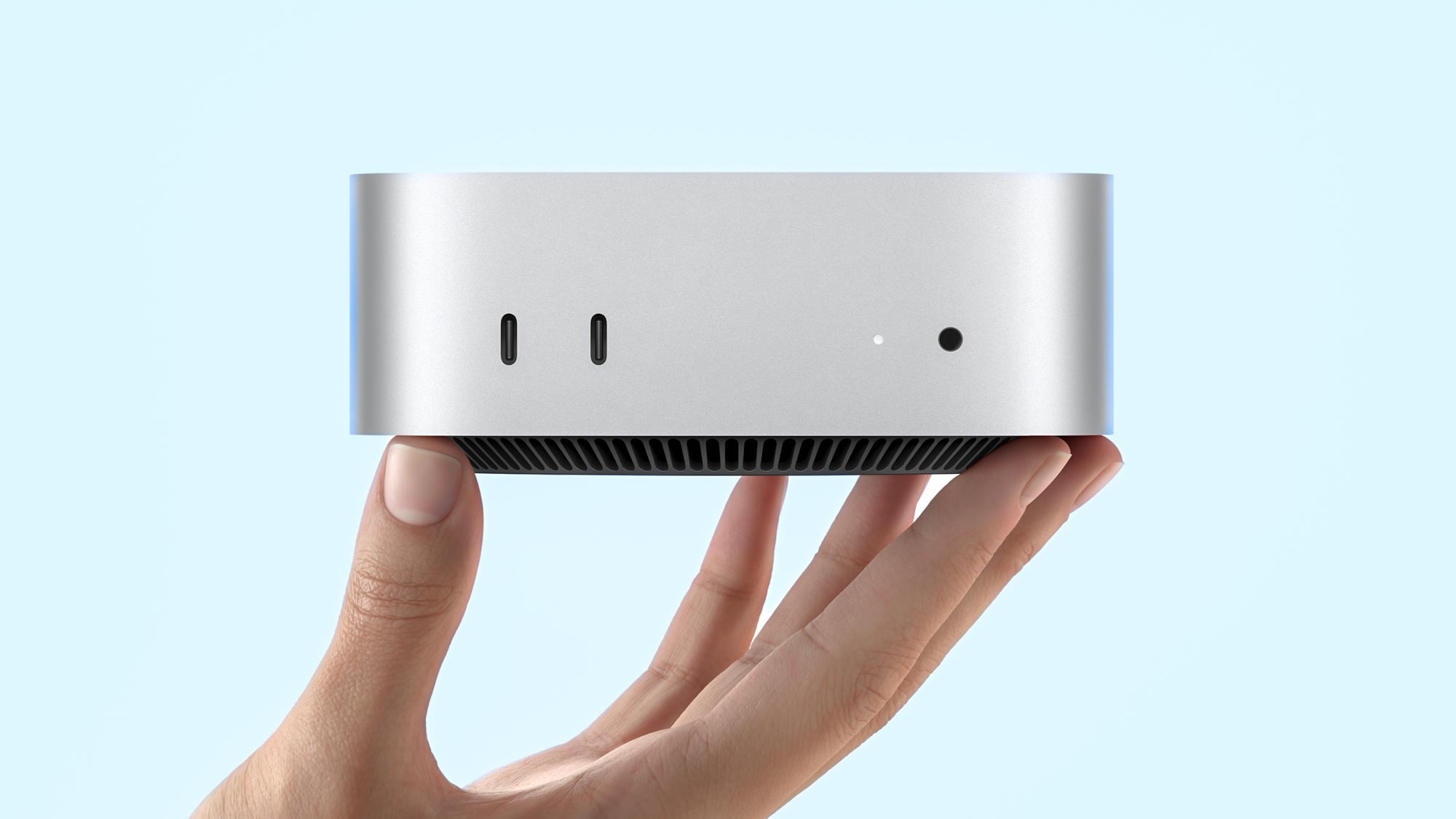
Last summer, well before the whole OpenClaw frenzy exploded and sent everyone scrambling for Mac Minis, I picked up a base-model M4 Mac Mini. My main goal was simple: run the iOS Simulator (which I couldn’t do on Linux) and use it to work on the iOS version of my mobile position size calculator app, Forexizer.
At home, my main desktop already handles everything else, running Omarchy (I’ll write a full post about that setup eventually). That left the Mac Mini gathering dust most of the time. Instead of letting it sit idle, I decided to turn it into the starting point for my homelab adventure.
{% twitter https://twitter.com/matteodevenuto/status/1966878941525766567 %}
I’ve been into open-source software and privacy-focused tools for years. Self-hosting felt like the natural next step, especially since I love tinkering with computers.
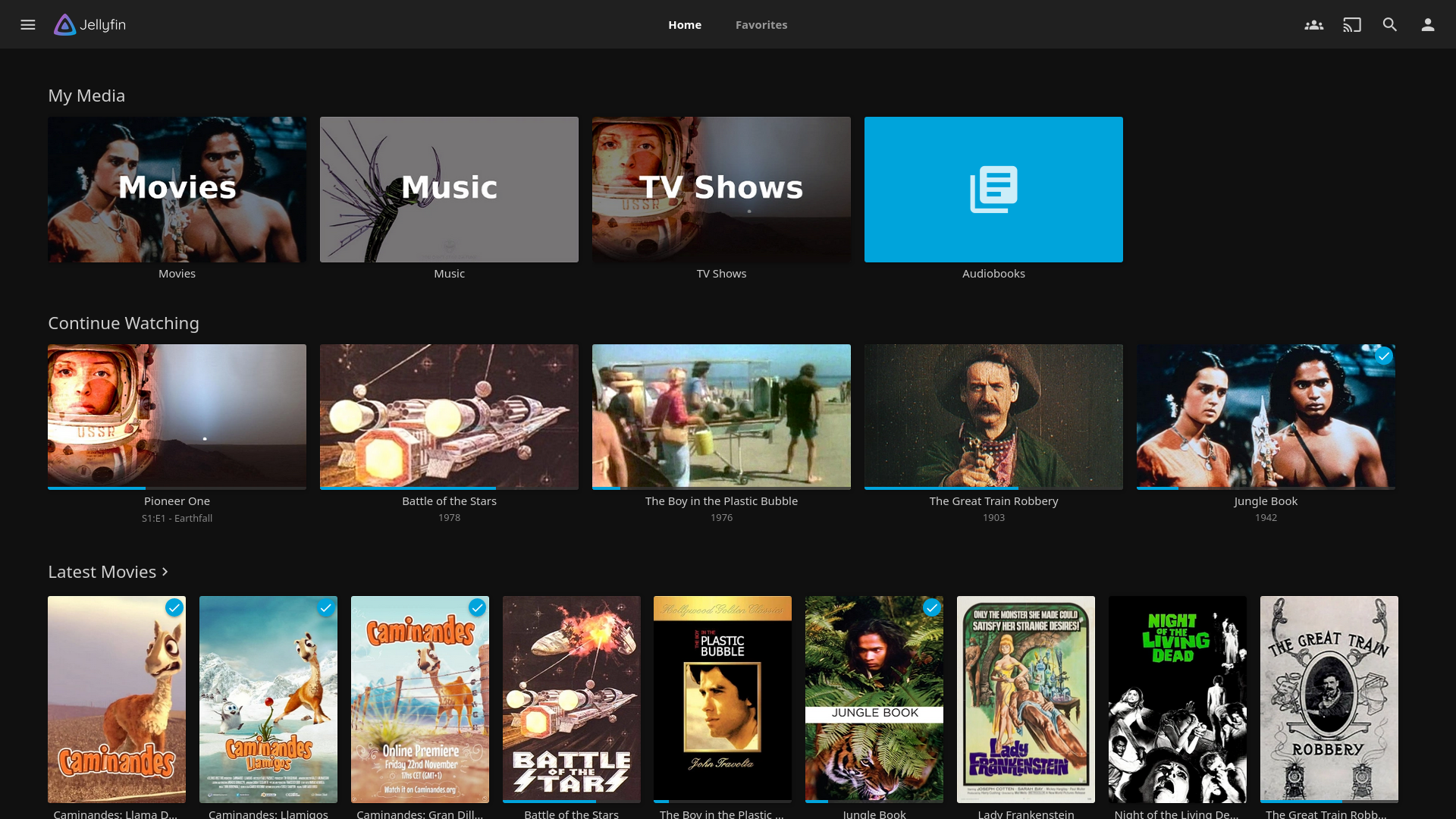
I kicked things off with a media server using Jellyfin, which I’ve been running for a while now. Honestly, it’s absolutely fantastic. The interface is clean, playback is reliable across devices.
Over time, I experimented with different setups: various reverse proxies, domain configurations, the usual self-hosting rabbit hole. But I never loved the idea of exposing everything directly to the open internet. Security concerns always nagged at me.
Recently, I integrated Tailscale, and it’s a game-changer. It instantly made everything more secure without complicated port forwarding or firewall gymnastics. Now I can access my Jellyfin library (and everything else) from anywhere, on any device, with zero exposure to the public web. The experience feels seamless and private, which is exactly what I wanted.
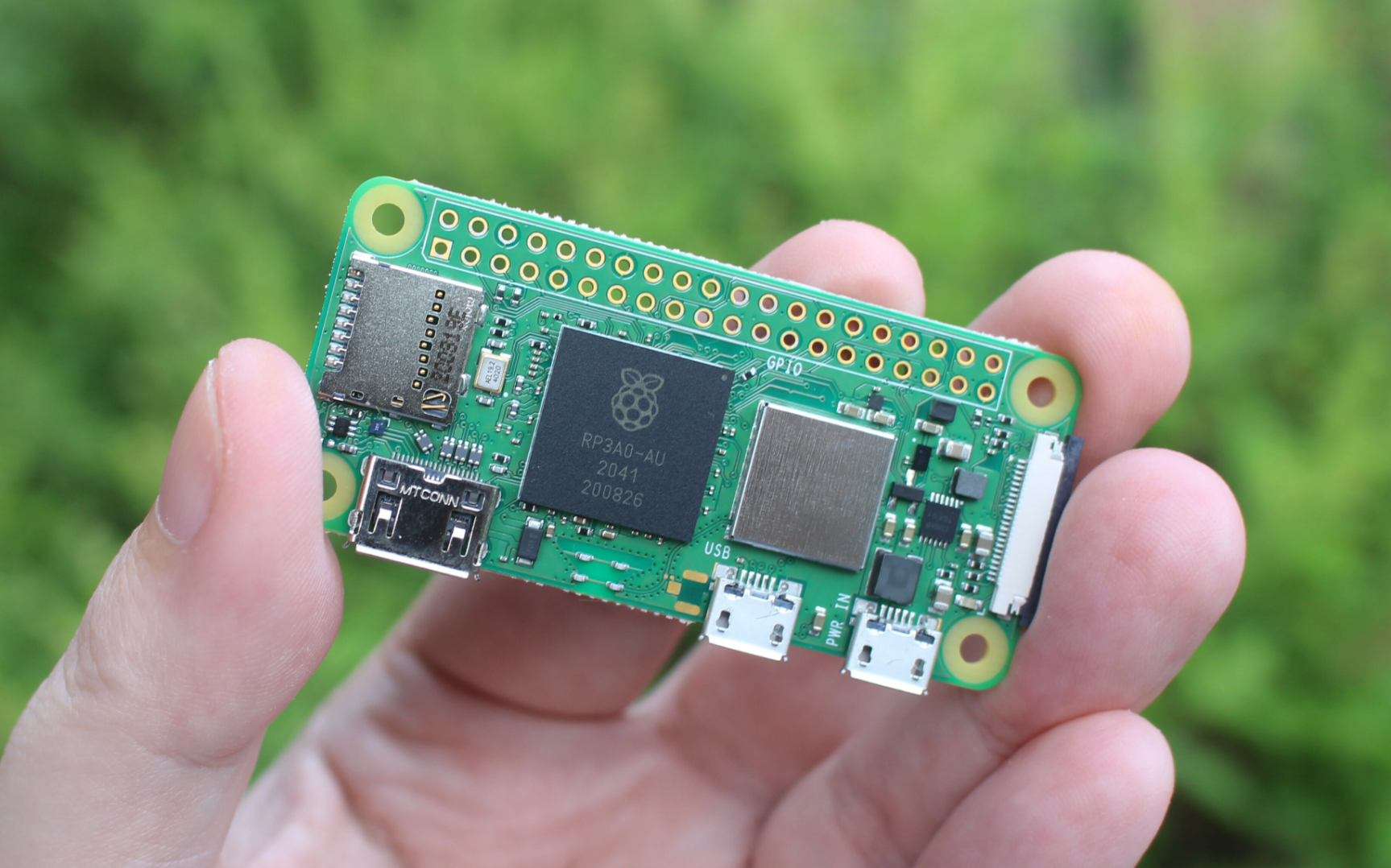
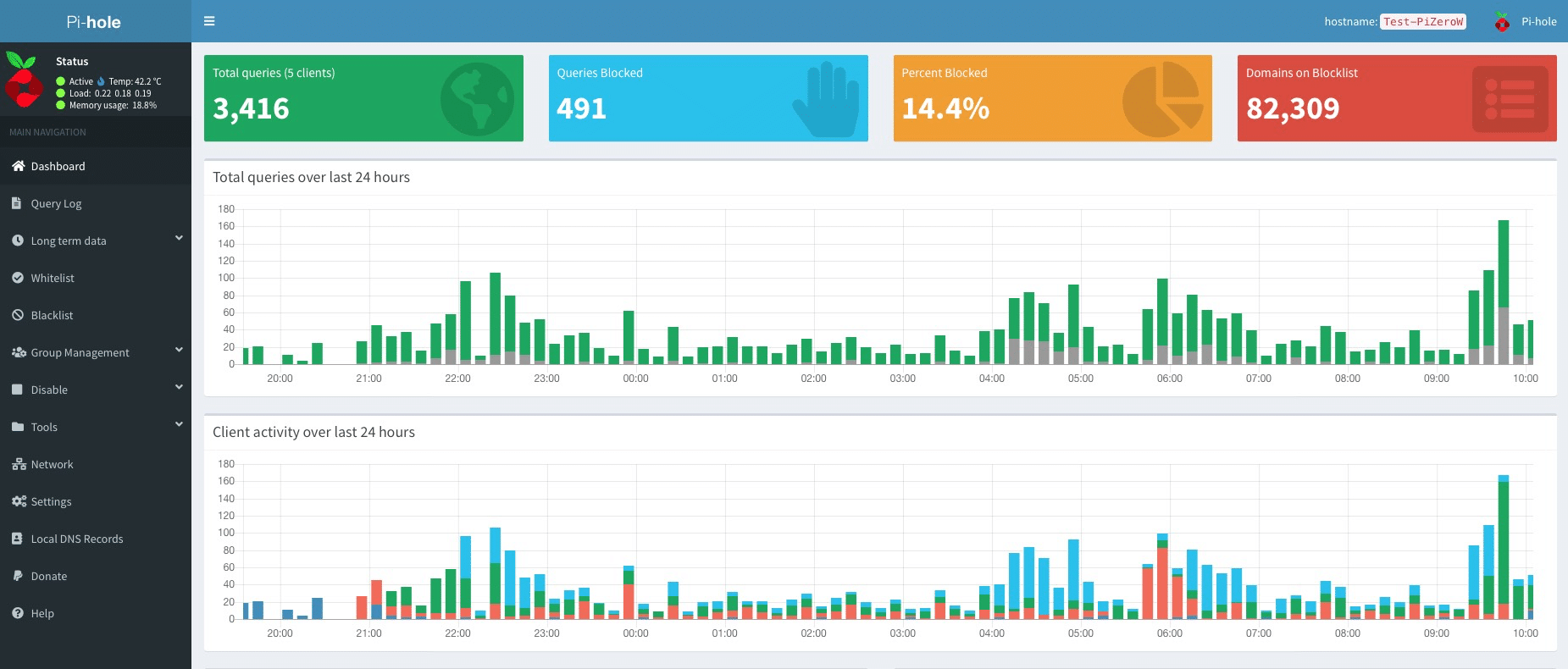
My next addition was a Raspberry Pi running Pi-hole. I had a Raspberry Pi Zero 2 W laying around, so I set it up to block ads and telemetry network-wide. The installation was surprisingly straightforward, just a one-liner curl command on fresh Raspberry Pi OS and within minutes, I had it acting as my DNS sinkhole. Pointing my router’s DNS to the Pi’s static IP was the only real config step, and boom: cleaner browsing across every device in the house, from phones and laptops to smart TVs, without installing a single browser extension. The difference is immediately noticeable, pages load faster, no more creepy trackers phoning home, and I’ve already blocked millions of queries according to the web dashboard. It pairs perfectly with Tailscale too, letting me enjoy the same ad-free experience even when I’m away from home. For something so lightweight and low-power, it’s become one of the highest-impact pieces of my homelab.
This Mac Mini experiment has been a lot of fun so far, and it’s only the beginning. I’m already eyeing more services to add and if you’re on the fence about turning an old/new Mac into a homelab server, I’d say go for it. Especially with tools like Tailscale, the security side is way easier than it used to be, tinkering is always fun, and you definitely will learn something.