
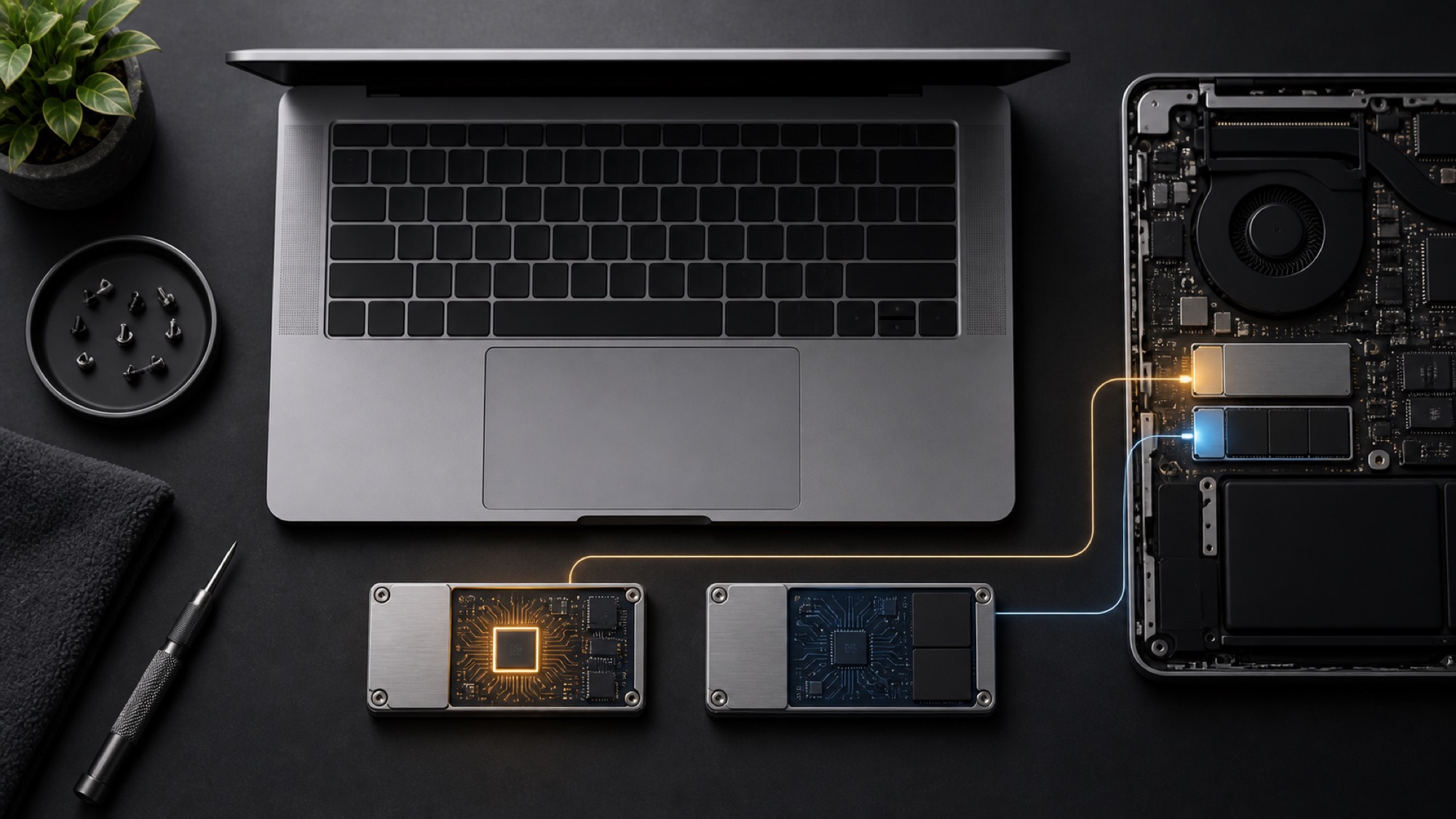
After I installed Omarchy on my 2017 MacBook Pro, the Apple T1 stopped working correctly. Reinstalling macOS brought it back. The likely explanation sits in a place I had treated as bootloader storage: the EFI System Partition.
The Linux-on-Mac community documents a T1 firmware dependency stored on disk, including EFI/APPLE/EMBEDDEDOS/combined.memboot. A Linux installation that replaces the Apple EFI contents can therefore break more than macOS booting. It can prevent T1-dependent hardware from initializing.
That explanation fits what happened to my machine. The surviving evidence does not prove every step, so this is also a story about separating an observed recovery from a plausible root cause.
The EFI partition was part of the hardware
An EFI System Partition (ESP) usually looks like infrastructure for starting an operating system. The Linux-on-Mac hardware notes for 2016 and 2017 MacBook Pros document an additional role on Touch Bar models: the original ESP stores firmware required to initialize iBridge, the interface to the T1 chip.
That project links iBridge to the Touch Bar, Touch ID, FaceTime HD camera, and ambient light sensor. During a healthy Linux boot, this machine exposes iBridge over USB as:
05ac:8600 iBridgeThe project describes another state when iBridge cannot initialize:
05ac:1281 Apple Mobile Device [Recovery Mode]That state can appear when the expected firmware is missing. A later guide, Omarchy/Linux on a T1 MacBook Pro, turns that earlier hardware note into installation guidance. It identifies EFI/APPLE/EMBEDDEDOS/combined.memboot as the payload, explains the two USB identifiers, and recommends backing up the original Apple EFI contents before installing Omarchy. This is community reverse-engineering, not Apple documentation.
What the current disk proves
The Mac now has separate Apple and Omarchy partitions:
| Partition | Format | Purpose |
|---|---|---|
nvme0n1p1 | 300 MiB FAT32 | Apple-style EFI System Partition |
nvme0n1p2 | 791.6 GiB APFS | macOS |
nvme0n1p3 | 2 GiB FAT32 | Omarchy /boot partition with Limine |
nvme0n1p4 | 137.9 GiB LUKS/Btrfs | Linux system |
Omarchy boots from the separate 2 GiB partition. Its EFI tree contains Limine and the Omarchy unified kernel images, but no EFI/APPLE directory. The T1 currently enumerates as 05ac:8600 iBridge, so it has enough firmware state to start normally.
The package log also dates the Linux installation to August 16, 2026. Those facts confirm the installation and current layout. They do not show what the Apple partition contained before recovery.
What I cannot prove from the retained evidence
My observed sequence was clear: T1-dependent hardware stopped working after the Omarchy installation, then returned after I reinstalled macOS. The local forensic record does not include a raw image of the original EFI partition or a pre-recovery copy of combined.memboot.
I therefore cannot prove that the installer deleted that exact file. I also cannot prove that restoring the file alone caused the recovery. Reinstalling macOS may have recreated the EFI contents, updated T1 firmware, repaired non-volatile memory settings, or performed several of those actions together.
Loss of the Apple EFI contents remains the strongest reconstruction because it matches the symptoms, the community-documented firmware path, the recovery method, and the current two-partition layout. It should remain a reconstruction, not a certainty.
The safer installation model
The practical lesson is broader than one missing file. A partition can contain device firmware even when its label suggests that it only contains boot files.
Before installing Linux on a T1 Mac, I would now treat the Apple EFI partition as hardware support data. The Omarchy T1 guide recommends both a file-level archive and a raw image of the partition. The file archive lets you verify that combined.memboot is present; the raw image preserves the partition as recovery material.
My installation checklist would be:
- Record the existing partition table
- Back up the Apple EFI partition and verify that the backup can be read
- Preserve the
EFI/APPLEtree, includingEMBEDDEDOS/combined.memboot - Install the Linux bootloader on a separate EFI partition when possible
- Confirm that the T1 enumerates as
05ac:8600 iBridge, then test each T1-dependent device before removing recovery media
That process does not guarantee full Linux support for every T1 feature. It does reduce the chance that installing an operating system also removes firmware required by the machine itself. Confirming 05ac:8600 proves that iBridge initialized; it does not prove that the Touch Bar, camera, ambient light sensor, and Touch ID all work.